
Guide
The Complete Guide to AI Video Generators in 2026
By Mediasynth Team
|
10 min read
|
March 15, 2026
TL;DR
AI video generators turn a text prompt or scene description into a finished video by chaining script generation, voice synthesis, character animation, and editing. This guide walks through how the pipeline works, what to look for when picking a tool, and the tradeoffs between general-purpose generators and platform-specific automation.
AI video generators have evolved from novelty experiments into production-grade tools that creators use every day. Whether you are running a faceless YouTube channel, building a brand on TikTok, or scaling content across multiple platforms, understanding how these tools work will help you pick the right one and get the most out of it.
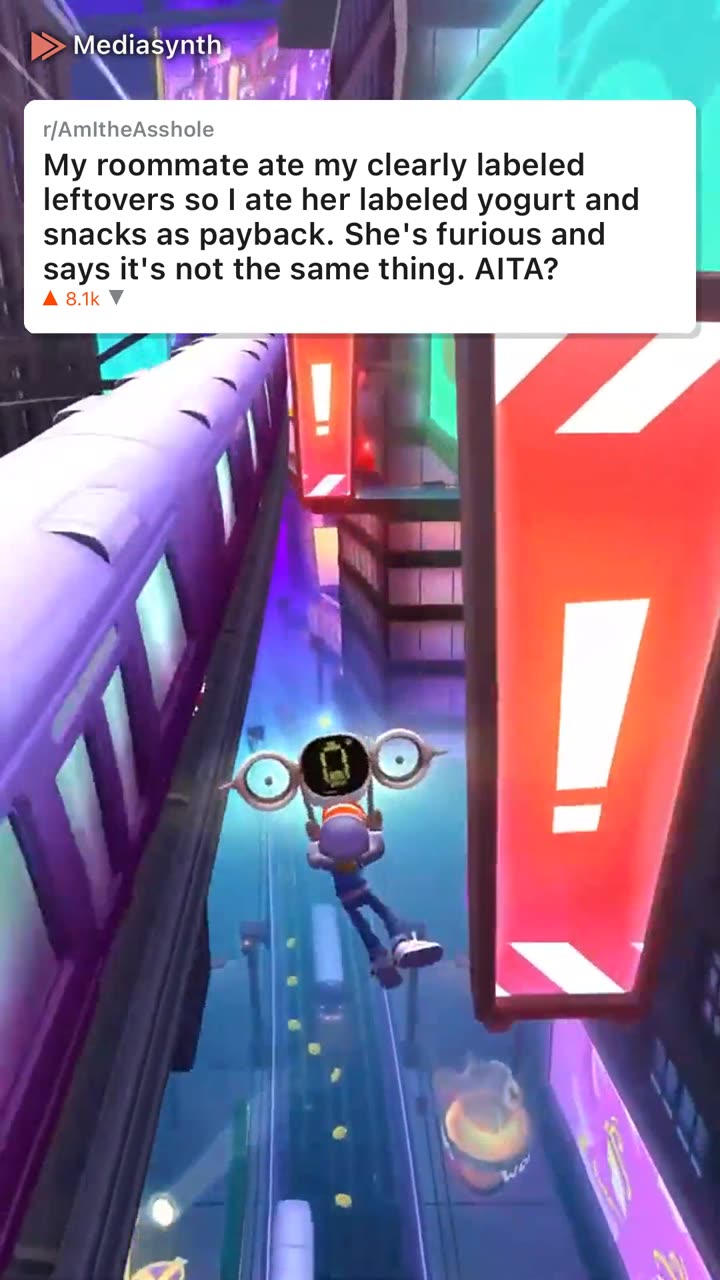
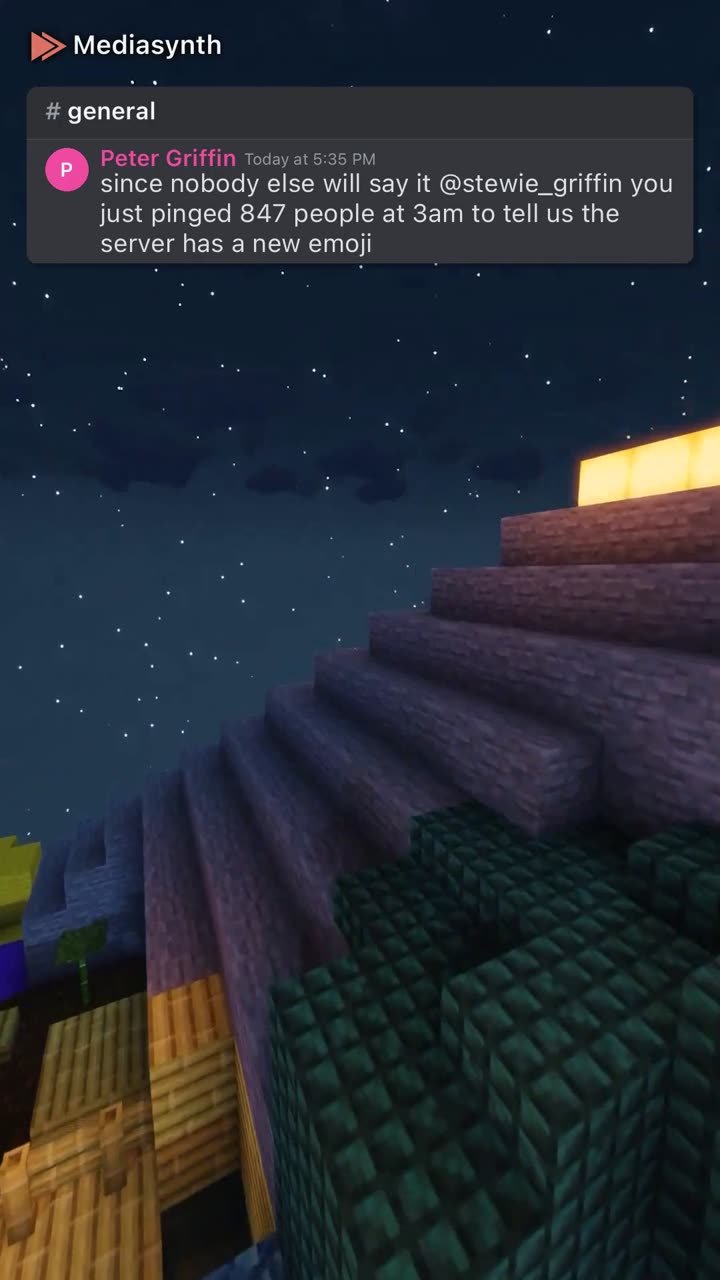
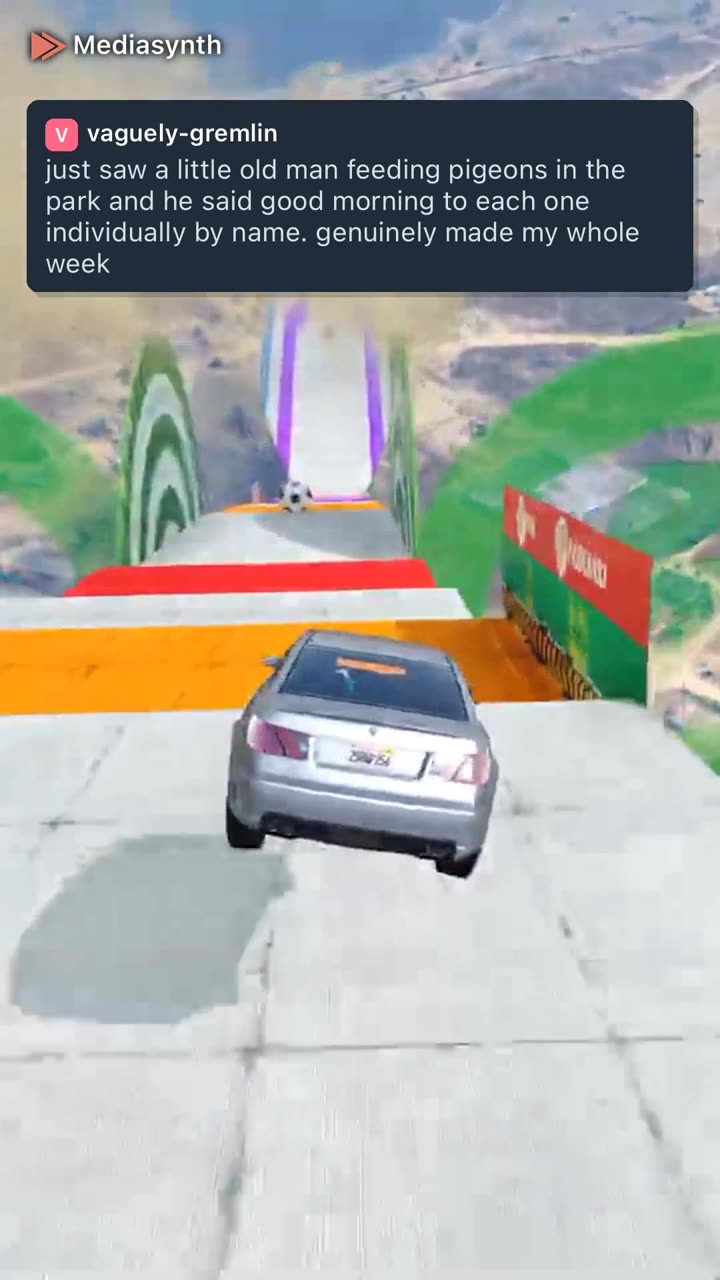
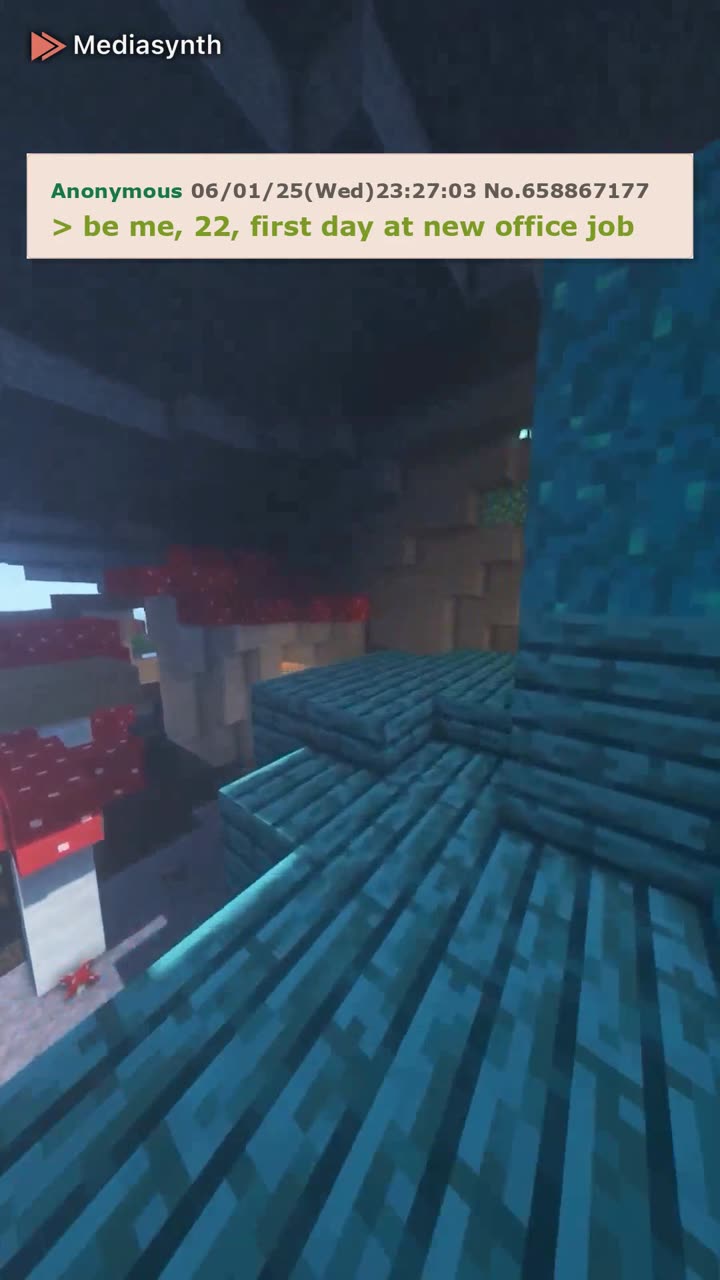
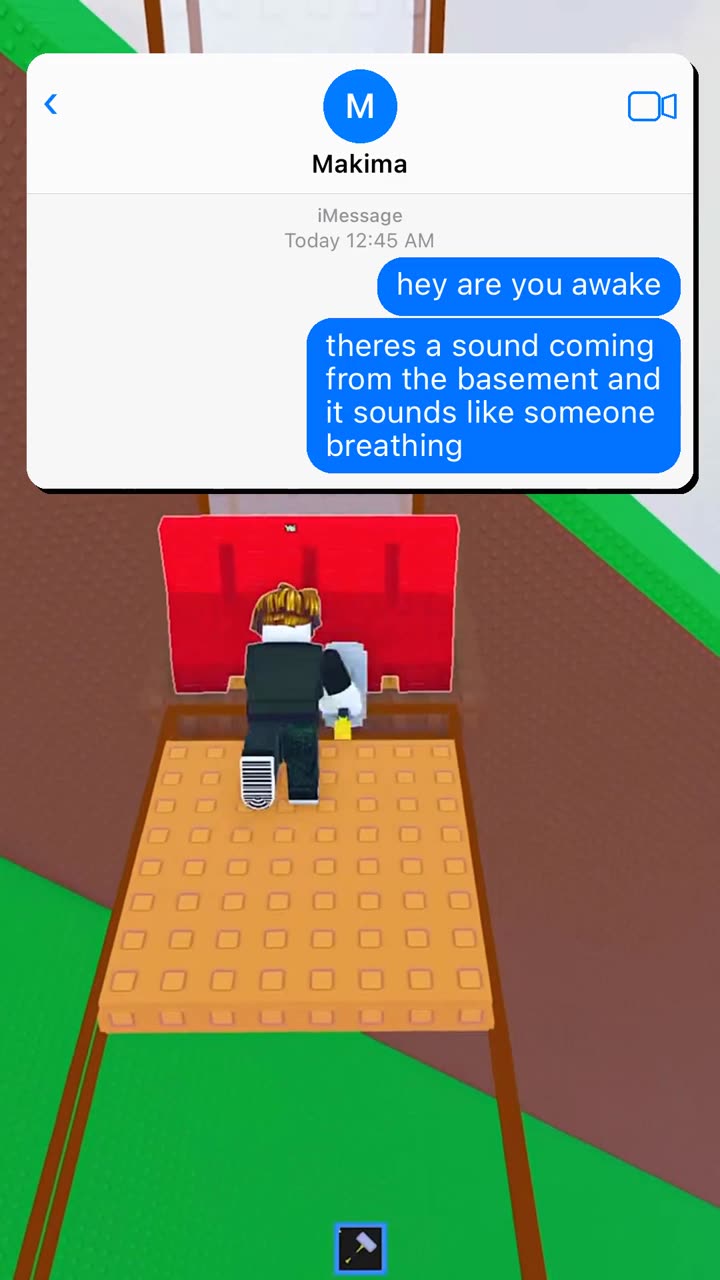
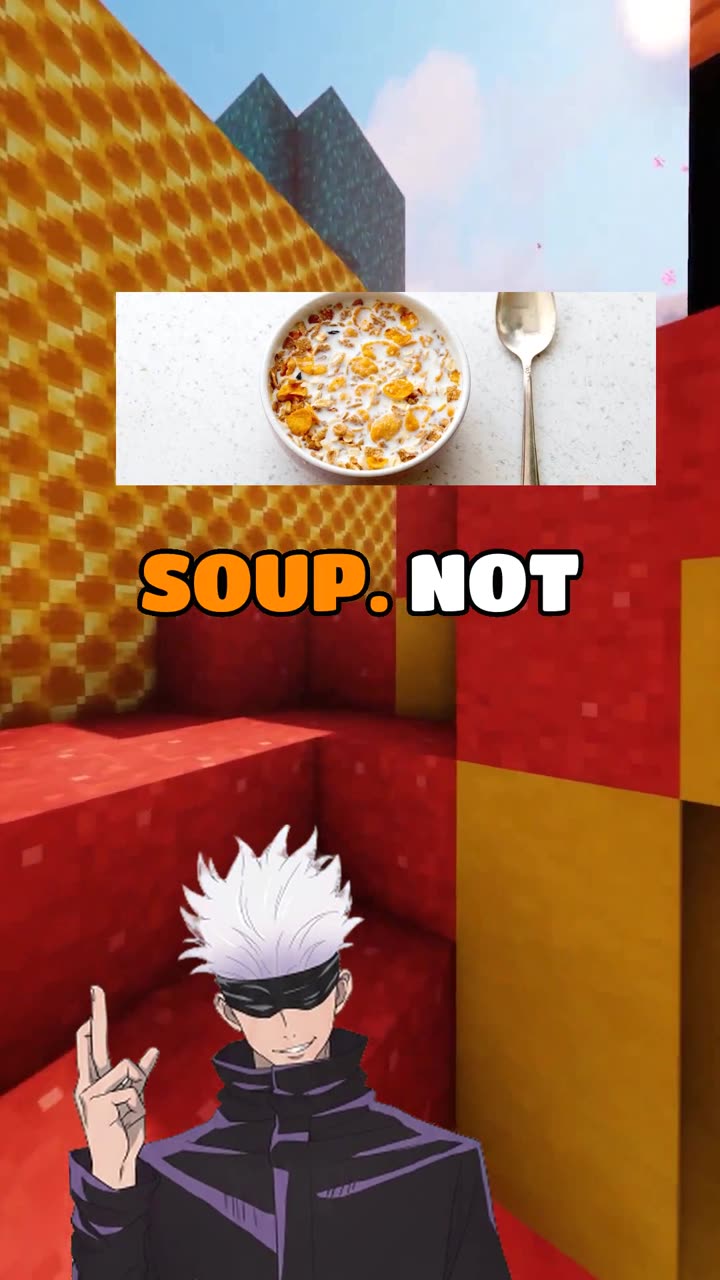
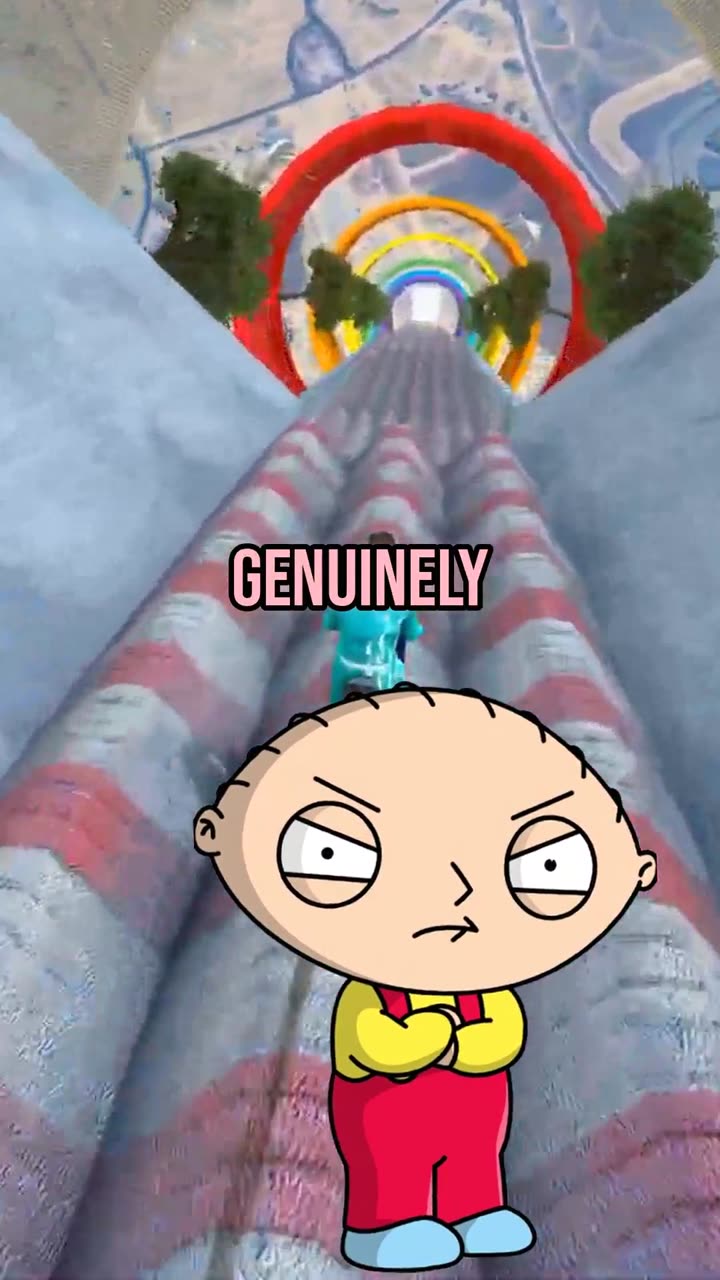
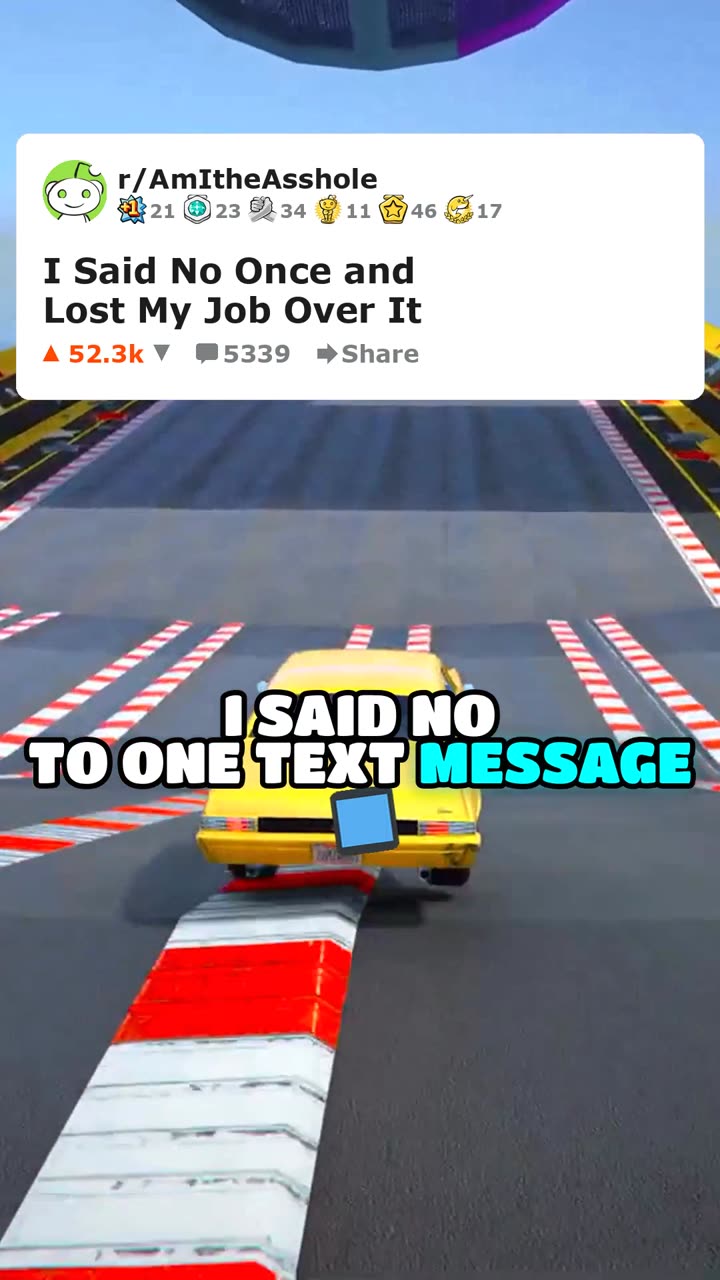
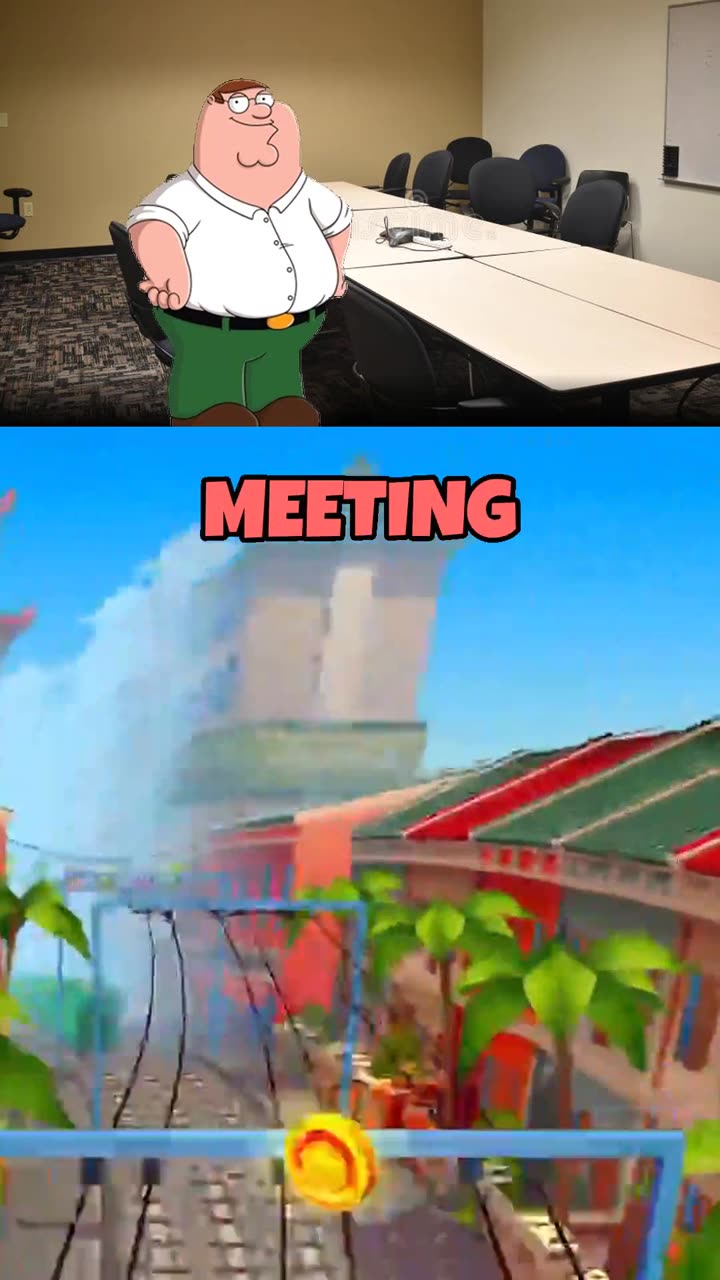
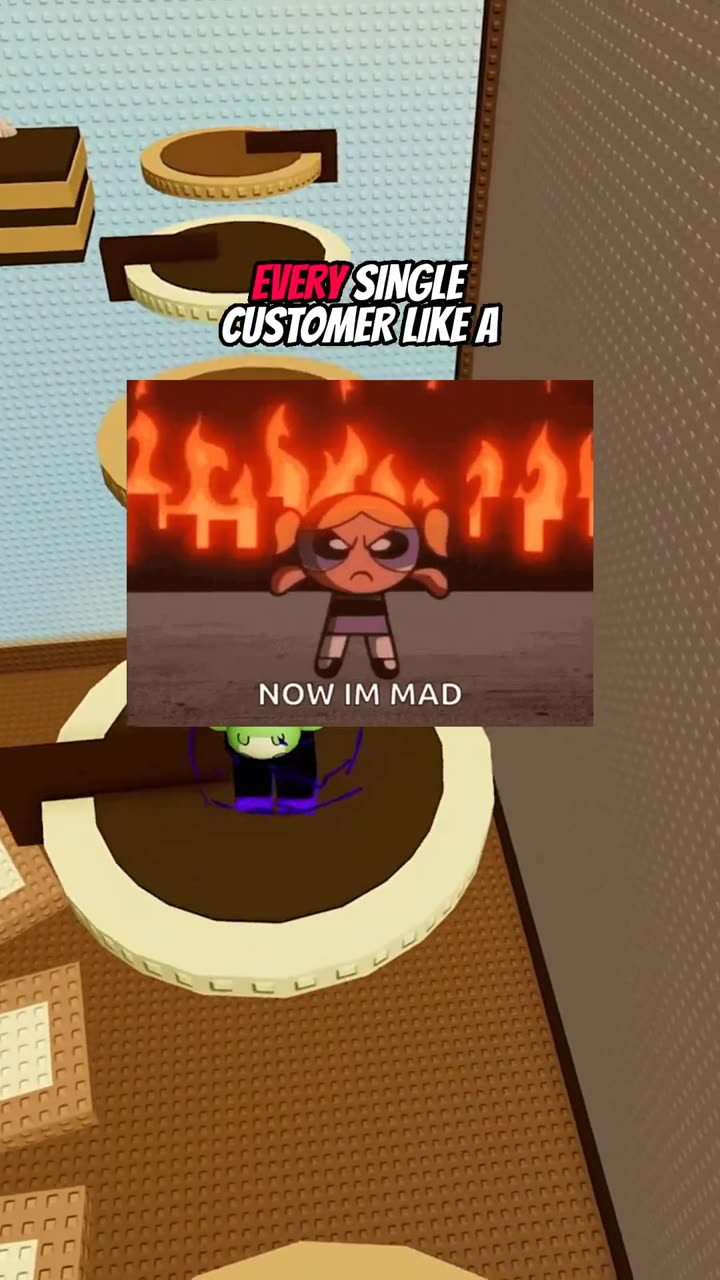
What AI-generated short-form videos actually look like
Mediasynth produces these 18 formats end-to-end. Each links to a step-by-step guide.








What Is an AI Video Generator?
An AI video generator is software that automates part or all of the video creation pipeline. At a minimum, it handles one stage such as scripting, voiceover, or editing. Fully automated systems handle the entire pipeline from topic ideation to a finished, captioned video ready for upload.
How do AI video generators work?
Most AI video generators follow a multi-stage pipeline. Understanding these stages helps you evaluate what each tool actually automates versus what still requires manual effort.
- Script generation. A large language model writes the script based on a topic or prompt. Better tools let you control tone, format, and character voice rather than producing generic monologues.
- Voice synthesis. Text-to-speech models convert the script into audio. Quality varies widely. Look for natural pacing, emotion range, and the ability to assign distinct voices to different characters.
- Visual generation. This can range from stock footage overlays to AI-generated character animations. The best systems create unique visuals that match the script context rather than dropping in random clips.
- Caption sync. Word-level captions are aligned to the audio. This is critical for engagement since most short-form video is watched without sound initially. Accurate timing makes the difference between professional and amateur output.
- Assembly and rendering. All assets are composited into a final video at the correct aspect ratio. Vertical 9:16 for Shorts, Reels, and TikTok. Horizontal 16:9 for standard YouTube.
What are the types of AI video generators?
Not all AI video generators solve the same problem. The market has settled into a few distinct categories.
Template-Based Editors
These tools give you templates with placeholder text and media slots. AI assists with copy suggestions or stock footage selection, but you still manually assemble the video. Good for branded marketing content where every frame needs approval. Not ideal for volume production.
Clip Compilers
These take a script or article and automatically match it with stock footage, add captions, and produce a video. Fast and simple, but every creator using the same tool ends up with similar-looking content because the footage library is shared.
Character-Based Generators
These create unique AI characters with distinct voices, expressions, and visual styles. The characters deliver the script, which means your content looks different from everyone else using the same tool. This approach works especially well for formats like dialogues, debates, and skits where personality drives engagement.
Full Pipeline Automation
The most advanced category handles everything from topic selection to posting. You configure parameters once, such as character selection, video format, tone, and posting schedule, and the system generates and publishes on its own. This is the "set it and forget it" approach that makes running multiple channels feasible for a single creator.
What should you look for when choosing a tool?
- Format variety. Can the tool produce different video styles? Dialogue, quiz, tierlist, skit, and storytelling formats each appeal to different audiences. A tool locked into one format limits your content strategy.
- Character customization. Generic AI voices and stock avatars blend into the feed. Custom characters with unique voices and visual styles build brand recognition and keep viewers coming back.
- Caption quality. Word-level sync is the standard. Captions that lag or jump ahead are immediately noticeable and hurt retention.
- Multi-platform posting. Manually uploading the same video to YouTube, TikTok, Instagram, and Facebook is tedious. Automated posting across platforms saves hours per week and ensures consistent publishing.
- Cost per video. Some tools charge monthly subscriptions regardless of usage. Others use credit-based pricing where you only pay for what you generate. At scale, the difference compounds quickly.
- Automation depth. How much of the pipeline runs without you? Some tools generate a video and stop. Others handle topic ideation, scheduling, and posting. The more you can automate, the more channels you can manage.
What are common mistakes to avoid?
AI video generation is powerful, but there are pitfalls that trip up new creators.
- Ignoring quality control. Even the best AI makes mistakes. Review your first batch of videos before enabling fully automated posting. Look for script coherence, audio quality, and visual timing.
- Publishing one format only. Algorithms reward variety. Mixing formats keeps your content fresh and helps you discover what resonates with your specific audience.
- Chasing trends over consistency. Consistency beats virality for long-term channel growth. An automated system that publishes daily will outperform sporadic manual uploads every time.
The Bottom Line
AI video generators range from simple editing assistants to fully automated content pipelines. The right choice depends on how much of the process you want to control versus automate. For creators who want to scale, especially across multiple platforms or channels, full pipeline automation with custom characters and multi-format support offers the best return on time invested.
Related articles
Format guide
How to Make Reddit Comment Carousels
Step-by-step guide to making AskReddit-style comment carousels — a hook cover, then one Reddit comment per slide — for TikTok Photo Mode and Instagram.
5 min read
|
Oct 24, 2026
Format guide
How to Make AI Carousel Posts
Step-by-step guide to making illustrated photo carousels — swipeable slides — for TikTok Photo Mode and Instagram.
5 min read
|
Oct 23, 2026
Format guide
How to Make AI Story Videos
Step-by-step guide to making illustrated story videos — escapes, heists, hoaxes and legends — for TikTok, Shorts, and Reels.
6 min read
|
Aug 30, 2026
Ready to Automate Your Content?
Start generating AI-powered short-form videos and posting to all platforms automatically. Free to start.
200 free credits · No credit card required
By signing up, you agree to our Terms of Service and Privacy Policy.