
Tutorial
How to Start a Faceless YouTube Channel with AI
By Mediasynth Team
|
12 min read
|
March 10, 2026
TL;DR
Faceless YouTube channels publish AI-generated content under a brand identity instead of a personal one — letting one person run a channel without filming, voiceover, or editing. This guide covers picking a niche, setting up the production pipeline, automating publishing, and qualifying for monetization once you hit the threshold.
Faceless YouTube channels generate millions of views without ever showing a creator on camera. They use narration, animation, AI characters, or text overlays to deliver content. With AI tools handling video generation, what used to require a team of editors and voice actors can now be run by a single person. Here is how to start one from scratch.
Why do faceless channels work?
Faceless channels succeed because the content carries the value, not the personality. Viewers watch for the topic, the format, or the entertainment, which means the content is inherently shareable and not tied to a single creator's availability.
- No camera setup, lighting, or on-screen presence required
- Content can be produced and scheduled in bulk
- Multiple channels can run simultaneously
- The channel has resale value independent of any individual
Step 1: Choose Your Niche
Pick a niche that has consistent search demand and is well-suited to AI generation. The best niches for faceless channels have topics that are evergreen or trend-driven, audiences that consume short-form content heavily, and subject matter that works in multiple video formats.
Strong niches for AI-generated faceless content include:
- Pop culture debates and hot takes
- History and science explainers
- Gaming tier lists and commentary
- Motivational and self-improvement content
- True crime and mystery stories
- Finance and investing basics
- Relationship advice and social commentary
Step 2: Pick Your Video Formats
Format variety keeps your channel fresh and helps the algorithm surface your content to different audience segments. The most successful faceless channels rotate between multiple formats rather than publishing the same style every time.
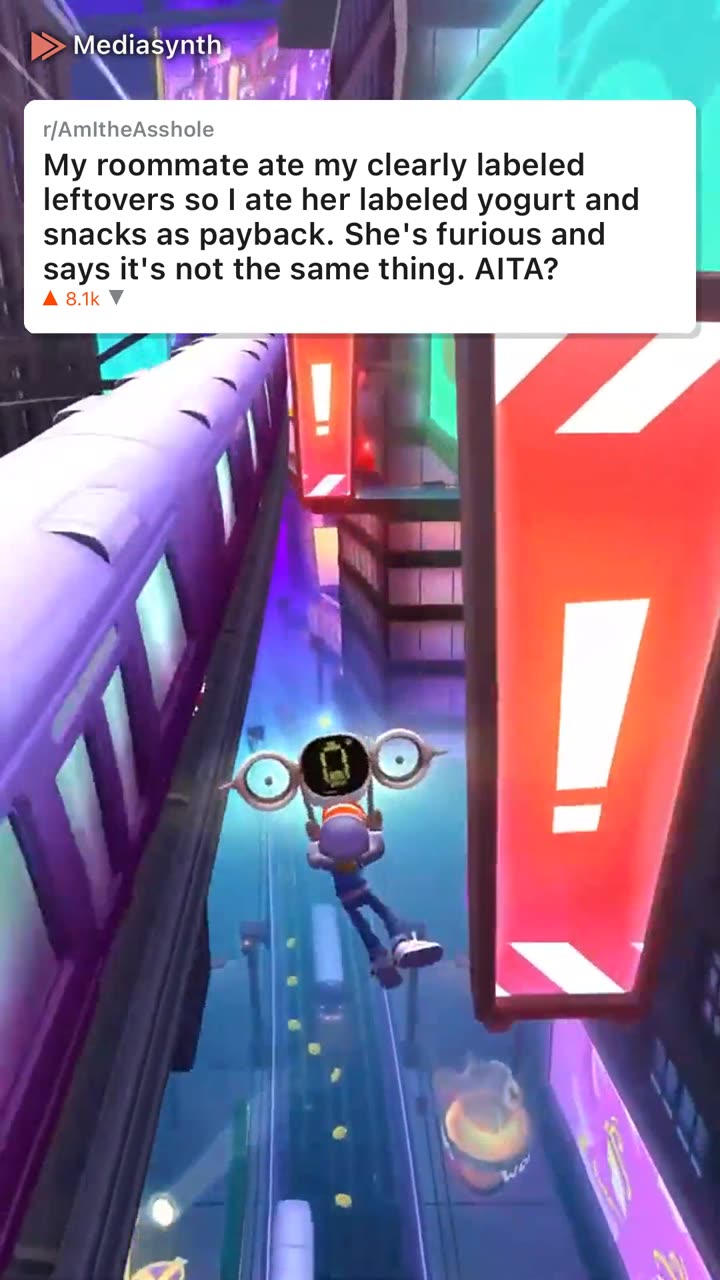
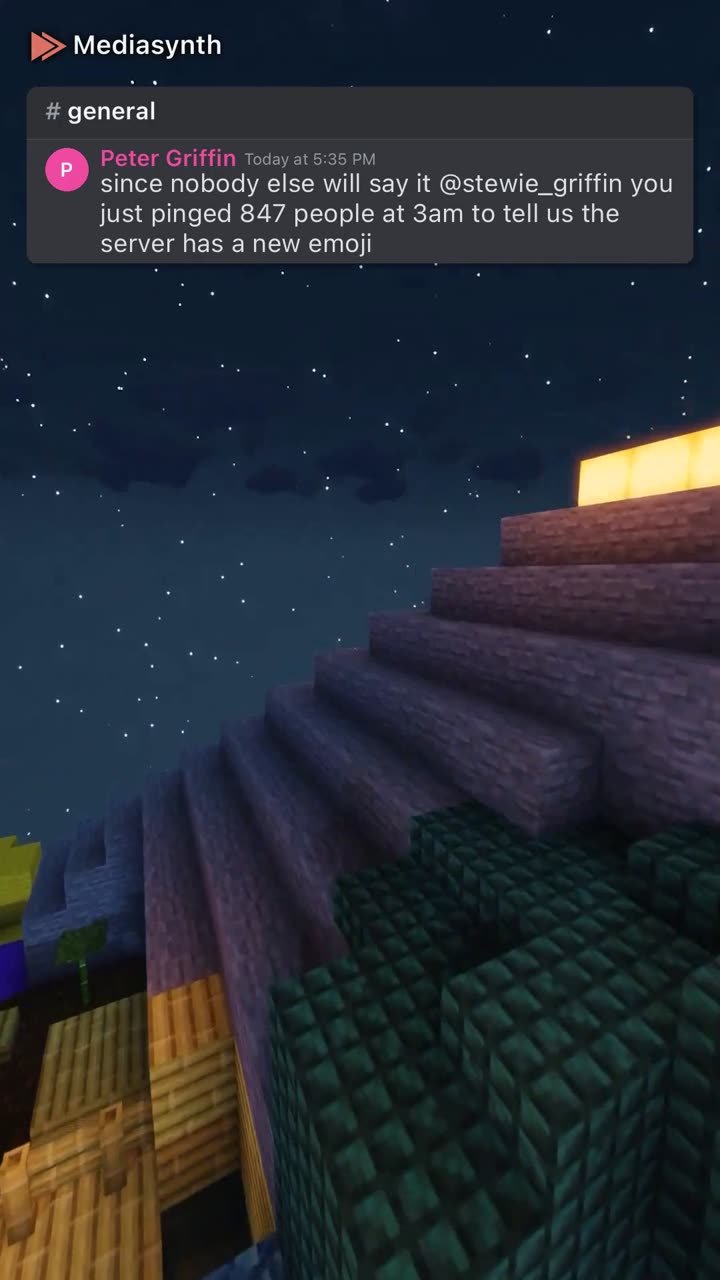
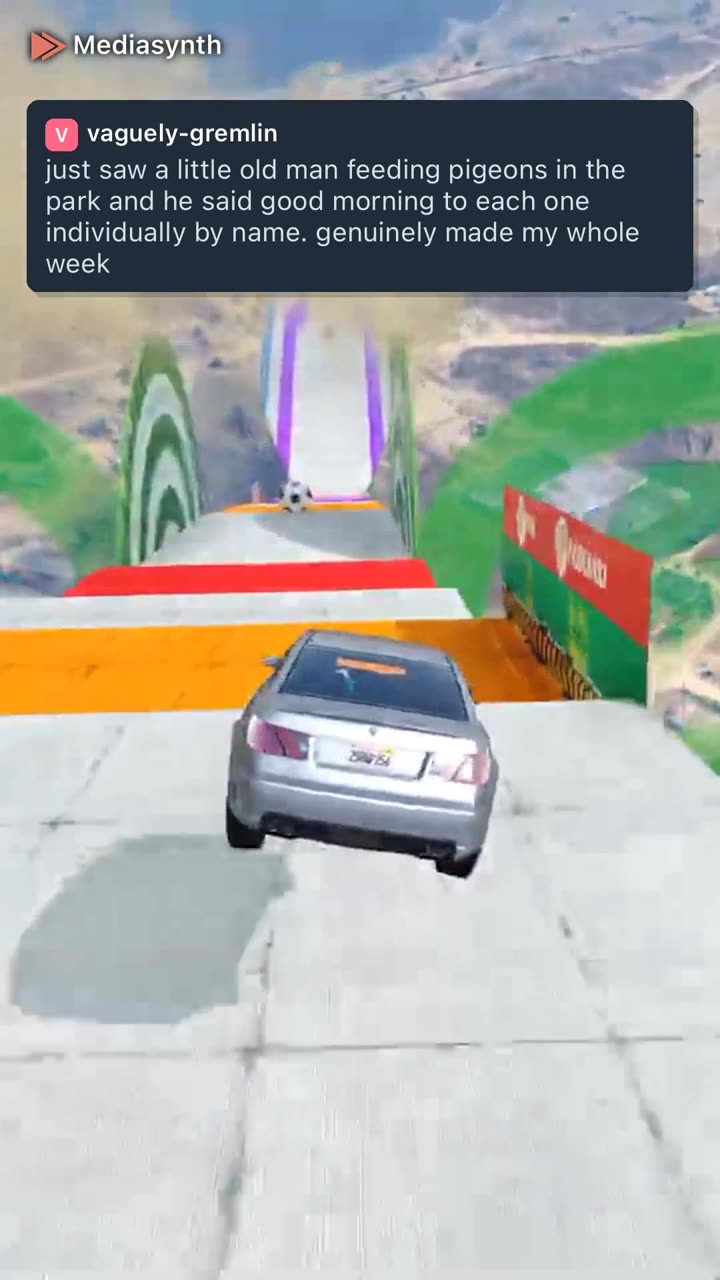
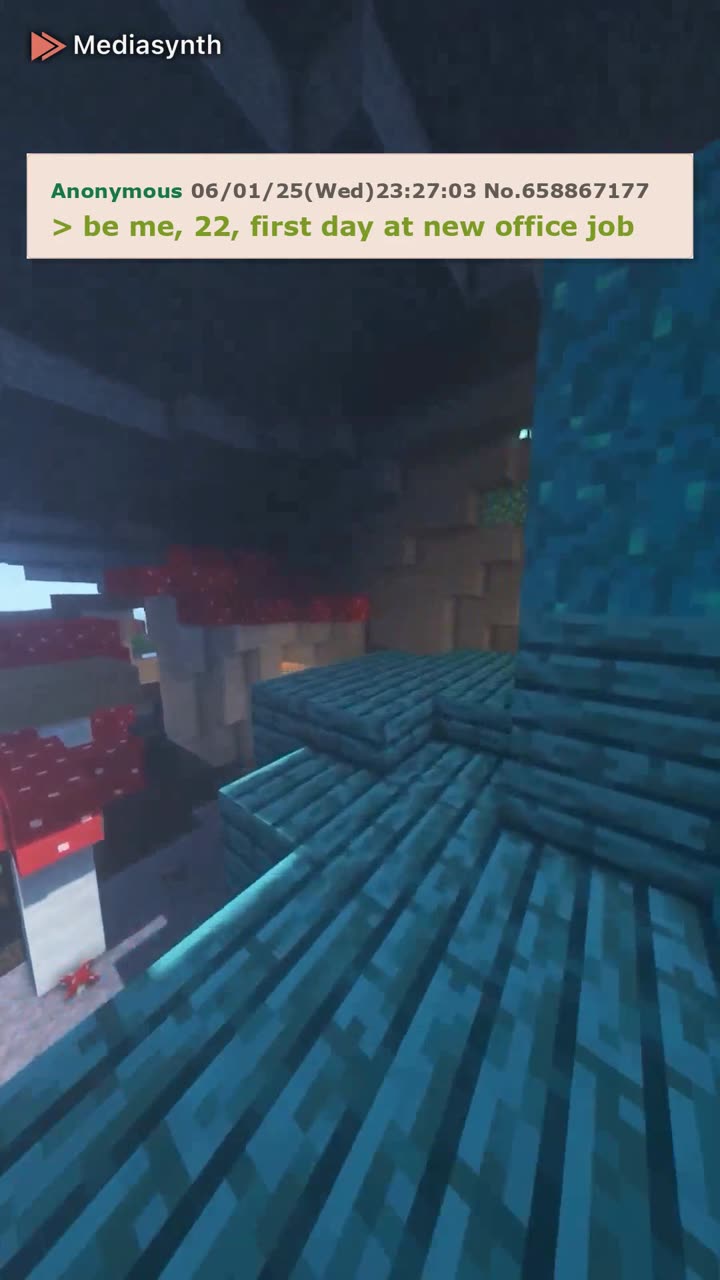
18 proven faceless formats
Real examples from Mediasynth. Tap any format for a full production guide.







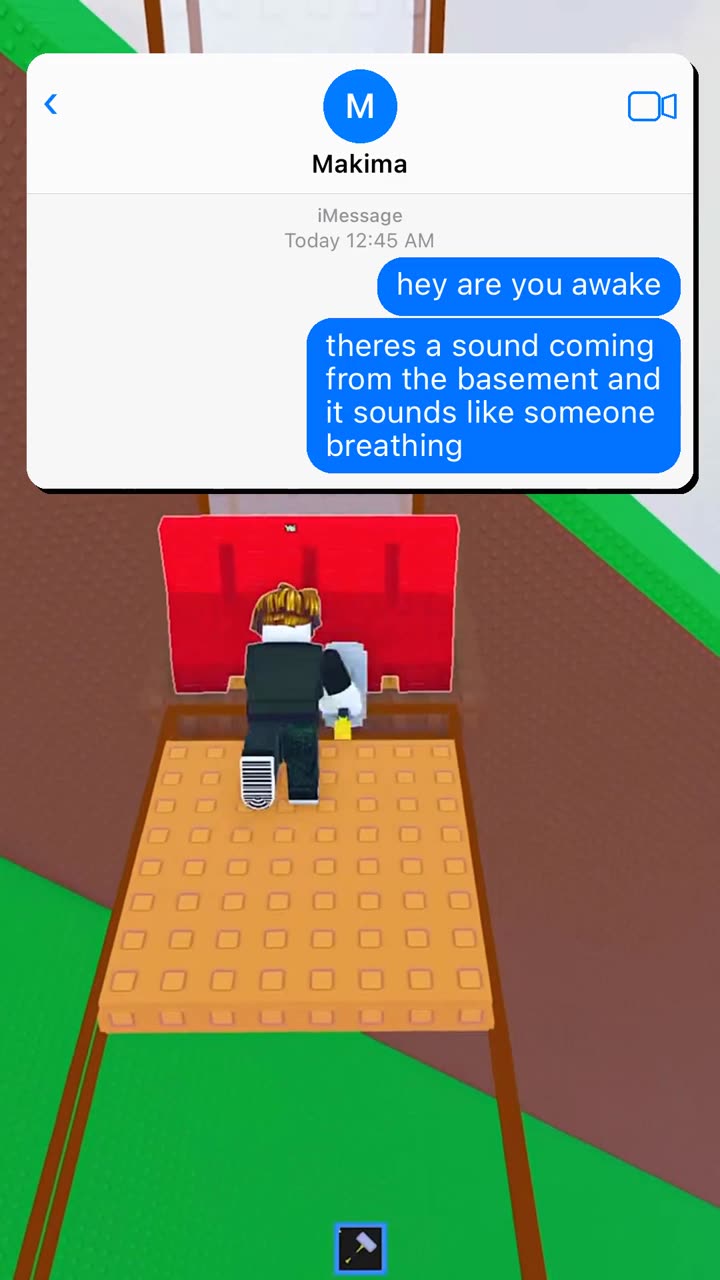

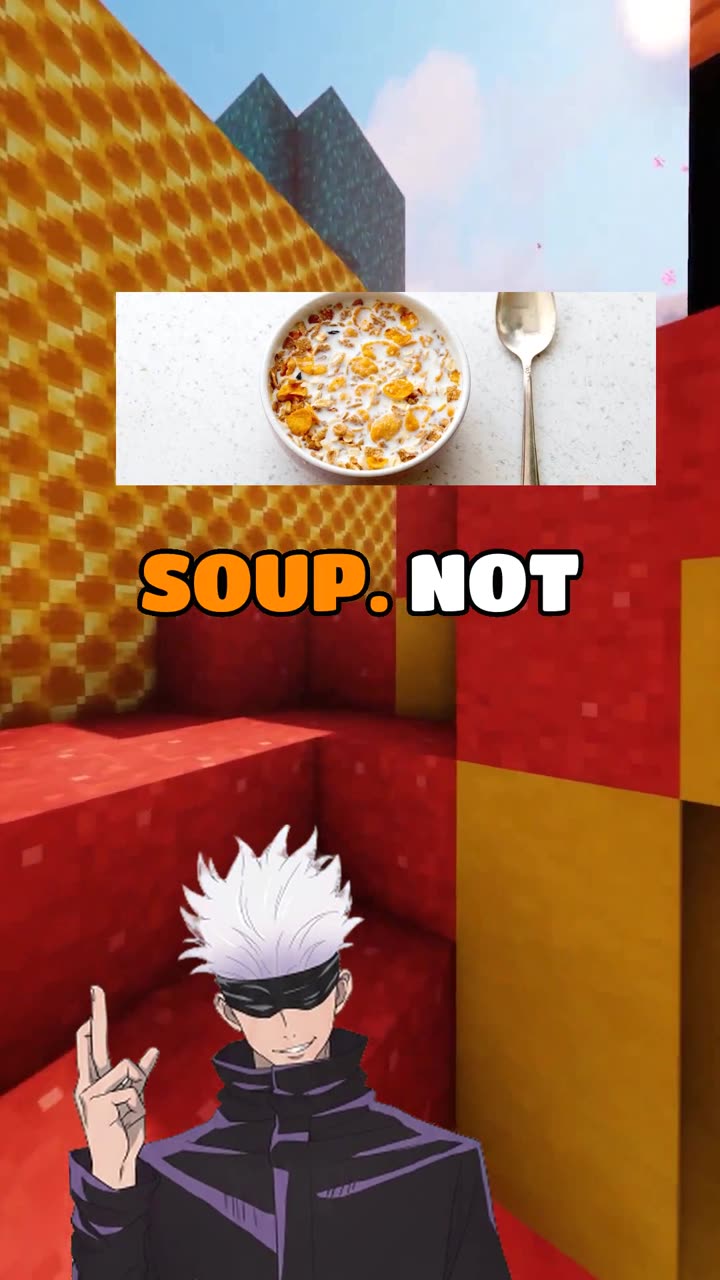

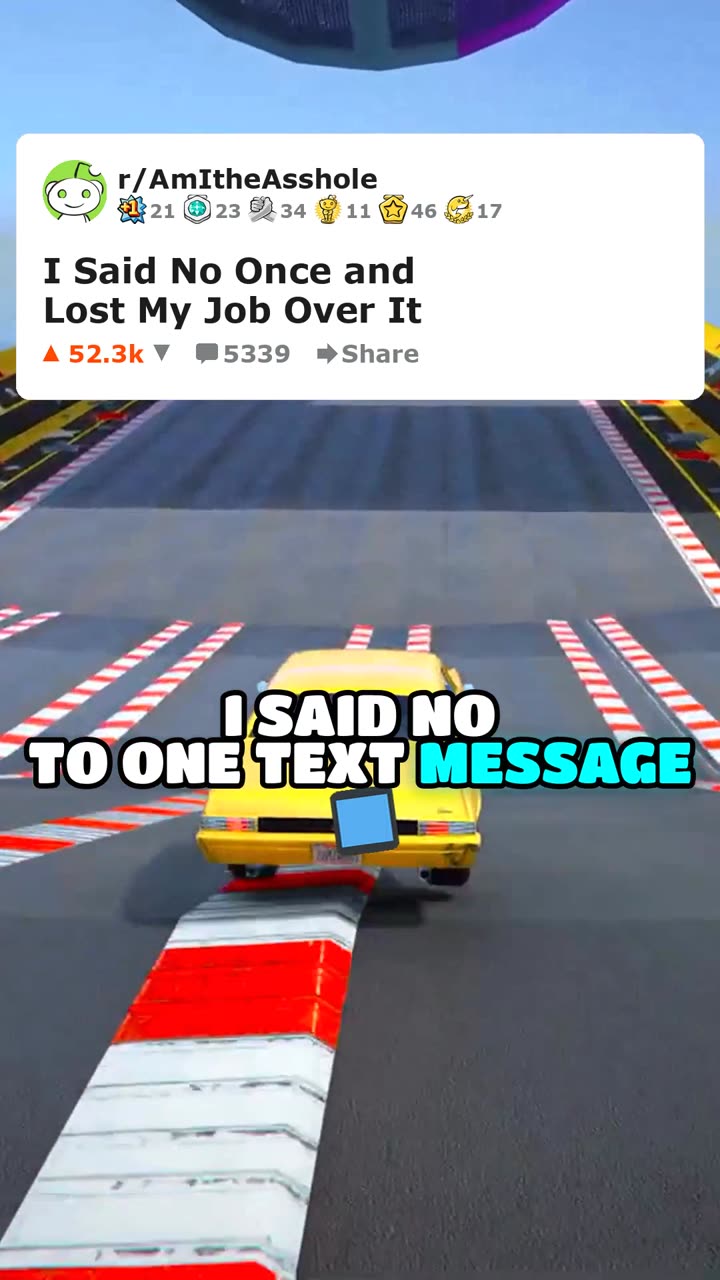
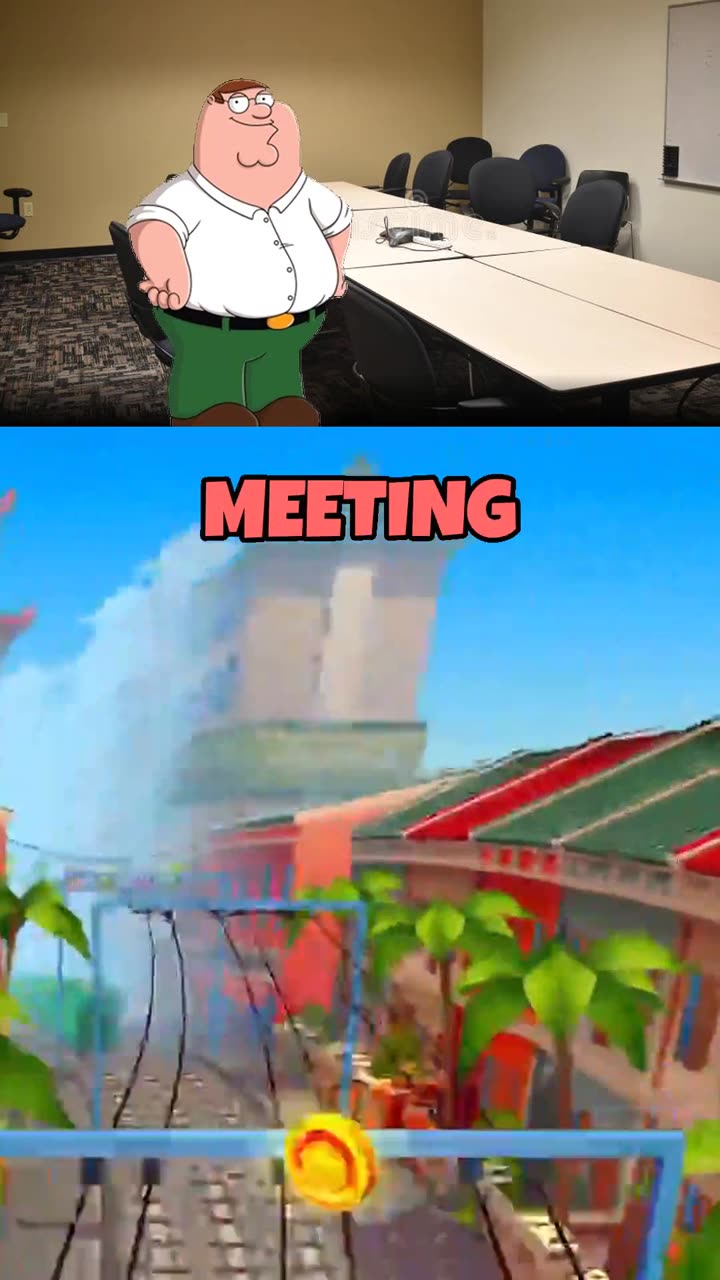
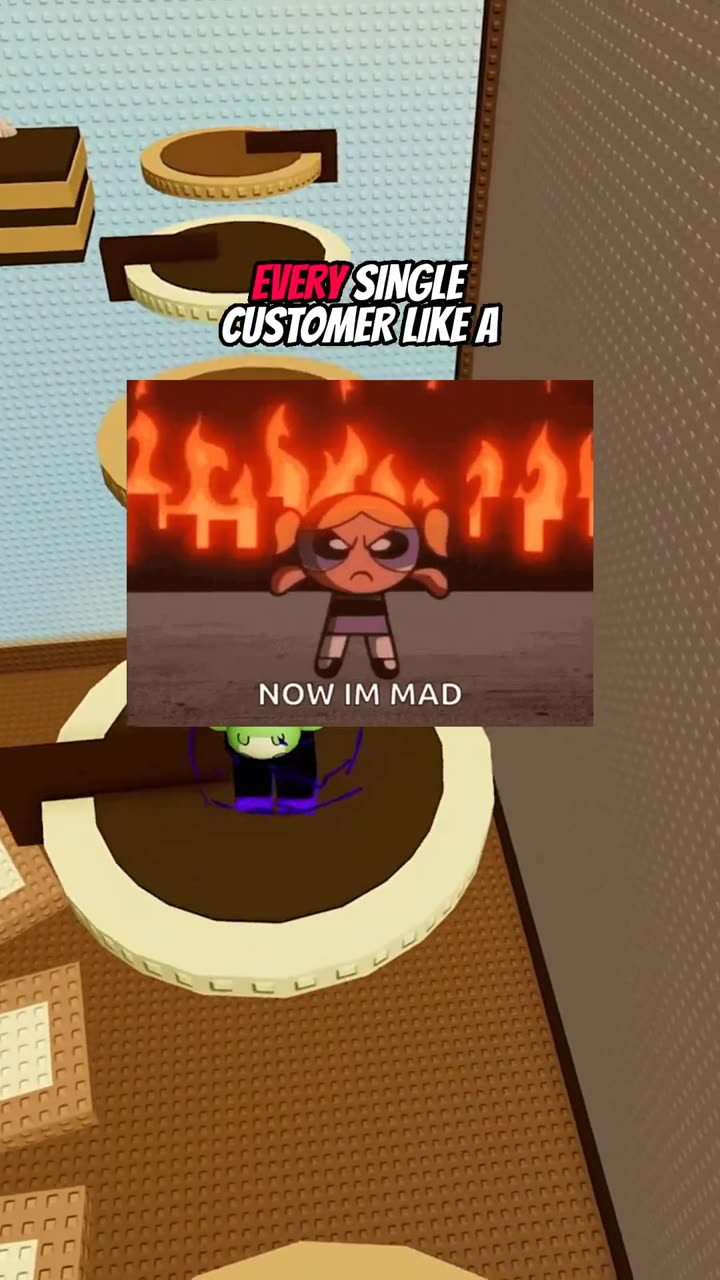
- Dialogue. Two AI characters debate or discuss a topic. High engagement because viewers take sides.
- Tier list. Ranking items in a category. Drives comments because everyone disagrees with the rankings.
- Quiz. Trivia-style questions with reveals. Keeps viewers watching through the answer.
- Reddit stories. Narrated stories from community posts. Proven format with massive audience.
- Skit. Short comedic or dramatic scenes with AI characters. High share potential.
- Rant. Single character delivering an opinion. Fast to produce, strong for building channel personality.
- Text messages. Simulated text conversations. Familiar format that hooks viewers immediately.
Step 3: Set Up Your AI Characters
Characters are what differentiate your faceless channel from every other one in your niche. Generic stock footage channels all look the same. AI characters with distinct voices, expressions, and personalities create a recognizable brand. Spend time choosing voice styles that match your niche, designing character visuals that stand out in thumbnails, and defining personality traits that come through in the script generation.
Step 4: Configure Your Content Pipeline
This is where automation makes the difference between a hobby and a scalable operation. A well-configured pipeline handles these stages automatically:
- Topic generation based on your niche and trending subjects
- Script writing with your chosen tone and format
- Voice synthesis using your characters
- Visual generation and animation
- Caption sync at the word level
- Video rendering in the correct aspect ratio
- Automatic posting to your connected platforms
With a platform like Mediasynth, you configure these parameters once per premise (content series) and the system runs the full pipeline on autopilot, generating and posting videos on your schedule.
Step 5: Connect Your Platforms
YouTube Shorts is the primary platform for most faceless channels, but cross-posting to TikTok, Instagram Reels, and Facebook Reels multiplies your reach with zero additional production effort. The same vertical video works on all four platforms. Automated multi-platform posting means you set up the connections once and every generated video goes everywhere.
Step 6: Optimize Based on Analytics
Once your pipeline is running, the game shifts from production to optimization. Watch these metrics:
- Average view duration. If viewers drop off early, your hooks or format may need adjustment.
- Click-through rate. Low CTR means your titles and thumbnails are not compelling enough.
- Format performance. Compare engagement across different video formats. Double down on what works.
- Posting time. Test different schedules to find when your audience is most active.
Monetization Timeline
YouTube requires 1,000 subscribers and 10 million Shorts views in 90 days for Shorts monetization. With consistent daily posting, most faceless channels reach this threshold within 3 to 6 months. The math works in your favor when you can publish one to three videos per day across formats without any manual production time.
Beyond ad revenue, faceless channels monetize through affiliate links in descriptions, sponsored content integrations, and selling channel templates or courses. Channels with strong brand characters can also license their characters for merchandise.
Getting Started Today
The barrier to starting a faceless channel has never been lower. Pick a niche, set up your AI characters, configure your content pipeline, and start publishing. The creators who win in this space are the ones who start early, iterate on their formats, and let automation handle the production grind while they focus on strategy.
Related articles
Format guide
How to Make Reddit Comment Carousels
Step-by-step guide to making AskReddit-style comment carousels — a hook cover, then one Reddit comment per slide — for TikTok Photo Mode and Instagram.
5 min read
|
Oct 24, 2026
Format guide
How to Make AI Carousel Posts
Step-by-step guide to making illustrated photo carousels — swipeable slides — for TikTok Photo Mode and Instagram.
5 min read
|
Oct 23, 2026
Format guide
How to Make AI Story Videos
Step-by-step guide to making illustrated story videos — escapes, heists, hoaxes and legends — for TikTok, Shorts, and Reels.
6 min read
|
Aug 30, 2026
Ready to Automate Your Content?
Start generating AI-powered short-form videos and posting to all platforms automatically. Free to start.
200 free credits · No credit card required
By signing up, you agree to our Terms of Service and Privacy Policy.